

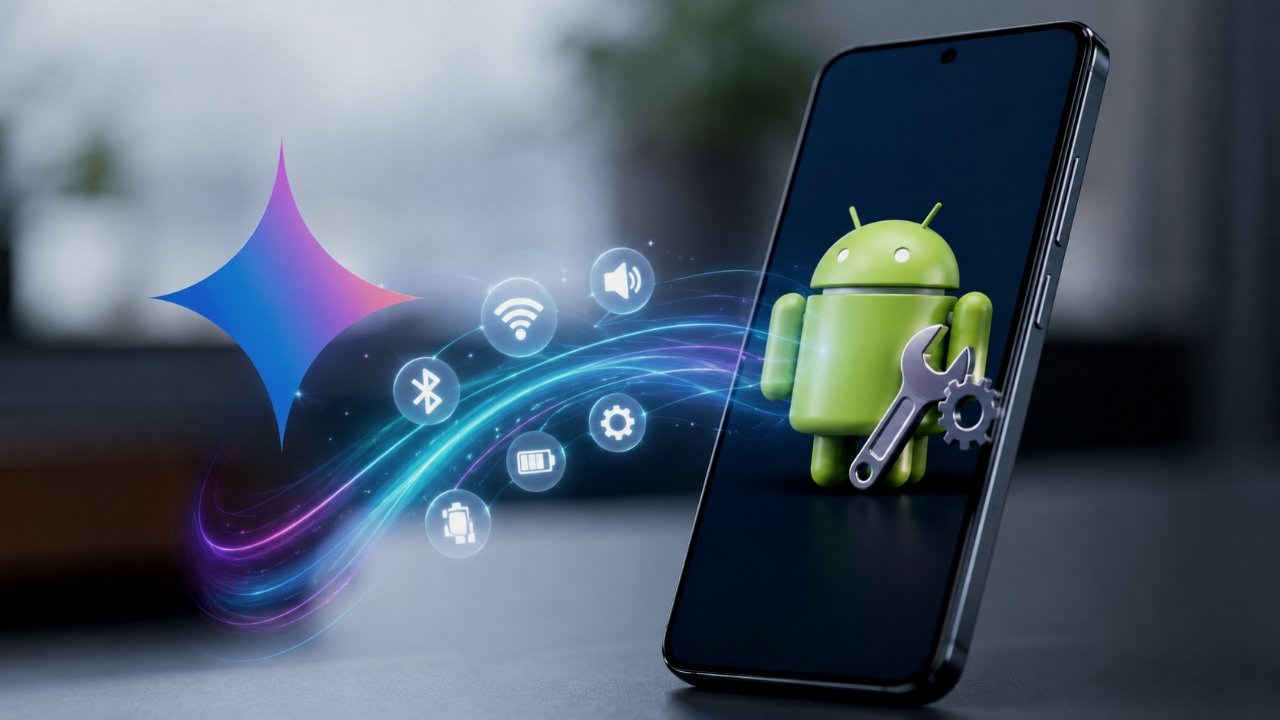
Google is testing a new Device help feature that brings conversational phone troubleshooting to Gemini. The experimental tool can analyze common Android issues, recommend solutions, change supported settings, and guide users through Pixel features.
Gemini Device Help Is Still in Testing
Google has added Device help to the Gemini app’s Plus (+) menu. The option appears near the bottom of the menu, above Personal Intelligence, and carries a Labs badge that identifies it as an experimental feature.
Recent testing shows the feature on Pixel 11 Pro devices running Google app beta version 17.52. Google has not confirmed a wider rollout, and current reports indicate that the standard Pixel 11 and older Pixel models do not have access to the new tool.
Gemini Can Troubleshoot Phone Problems
Device help lets users describe a phone problem in natural language. Gemini can then check relevant device information and suggest or perform supported fixes.
The tool can help troubleshoot issues involving:
- Wi-Fi and Bluetooth
- Mobile data
- Battery drain
- Audio and sound
- App performance
- Storage usage
Gemini can also check battery usage, turn on Battery Saver, review storage consumption, and suggest ways to free up storage space.
Gemini Can Change Supported Settings
The new feature can also help users manage several Android settings through conversation.
Users can ask Gemini to adjust options such as:
- Screen brightness
- Dark theme
- Screen timeout
- Sound and vibration
- Do Not Disturb
- Digital Wellbeing
- App notifications
- App timers
Gemini may request confirmation before it performs certain actions. Google also restricts actions that could cause permanent data loss or create significant security and privacy risks.
For example, Gemini cannot use Device assistance to perform a factory reset, change a device PIN or password, or change certain sensitive app permissions.
Gemini Can Guide Users Through Pixel Features
Device help can also act as an interactive guide for Pixel phones. Users can ask Gemini how to use specific features, gestures, camera functions, and privacy controls.
Instead of manually searching through Android settings or support pages, users can describe what they want to do and receive step-by-step guidance.
Wider Android Rollout Remains Unconfirmed
Google has not announced when Device help will become available to all Pixel or Android users. The Labs label and limited testing indicate that Google still has more work to do before a broader release.
The underlying technology also connects with Google’s existing Device assistance system, which lets Gemini manage supported Android settings and device functions.
If Google expands the feature, Gemini could become a more capable Android troubleshooting assistant, allowing users to diagnose common phone problems and manage settings through a simple conversation.














Leave a Reply